The short answer
Smart blinds are motorised blinds linked to a phone app, and through it to a voice assistant such as Alexa or Google Home. Most connect through the motor maker's app, and some systems also need a small hub or gateway on your home network. Once linked, you can open and close them by voice, set them to move at set times or at sunrise and sunset, and group several blinds together. Before you choose, check which assistant you use, whether the motor needs a hub, and how the blind is powered.
- A smart blind is a motorised blind with an app, which then links to Alexa or Google Home.
- Some motor systems need a hub or gateway on your home network; others connect without one.
- Routines are the real benefit: blinds that move at set times or at sunrise and sunset.
- Matter is a shared smart-home standard that includes window coverings and shades.
- Ask which of our motorised ranges can join the system you already use before you order.
What is a smart blind?
A smart blind is a motorised blind that can be controlled from an app, and through that app from a voice assistant. The blind itself is the same as any other: the fabric, the headrail and the fitting are unchanged. What changes is the motor in the tube or headrail, and how it talks to the rest of your home.
At the simple end, a motorised blind runs from a handset or a wall switch. Add an app and you can move it from your phone. Link that app to Alexa or Google Home and you can move it by voice, or set it to move on its own at times you choose.
So every smart blind is a motorised blind, but not every motorised blind is smart. If you are still deciding whether a motor is worth it at all, our motorised blinds guide covers battery and mains motors, wiring and safety first.
How do smart blinds connect to voice assistants?
Most smart blinds connect in three steps. The motor pairs with the motor maker's app. The app connects to your home network, either directly or through a small hub or gateway plugged in near your router. Then the app is linked to Alexa or Google Home, so the assistant can see each blind.
Google's own help pages note that some devices need setting up in the manufacturer's app as well as the Google Home app, and that once a device is linked you can control it by voice from a Google speaker or display. The Alexa app works the same way: the blind maker's skill is linked once, and the blinds then appear alongside your lights and plugs.
Google Home treats blinds as their own type of device, which means they can be opened and closed rather than just switched on and off, and the system can set a blind to a position part of the way down. Whether you can say "open the blind halfway" depends on the motor and its app, so it is worth checking for the windows where it matters.
A hub is not a problem in itself; it is one more small box on the network. What matters is knowing whether the motor you choose needs one, so it is planned in from the start.
What can you do with smart blinds day to day?
Voice control is the part people try first. "Alexa, close the living room blinds" or "Hey Google, open the bedroom blind" works from the sofa or from bed, and it is useful on windows that are awkward to reach.
Routines are where smart blinds earn their place. Alexa can start a routine from triggers ranging from sunrise and sunset to your voice or movement, and routines can also run at a set time. That means the bedroom blinds can open at seven on weekdays, the south-facing blinds can come down on summer afternoons, and every blind can close at dusk while you are still at work.
Grouping lets several blinds move as one. A bay of three roller blinds can lower together and finish level, or every blind on one side of the house can close on a single command. You can usually name the groups by room, so "close the kitchen" does exactly what you expect.
A routine can also mix devices. A "good night" routine might turn off the lights, lower the blinds and switch off a plug in one go, which is often the moment smart blinds stop feeling like a gadget and start feeling like part of the house.
What is Matter, and does it matter for blinds?
Matter is a shared smart-home standard, released in October 2022 by the Connectivity Standards Alliance, a group whose members include Apple and Google. It was designed so that products work across brands and platforms, and window coverings and shades were among the first types of device it covered.
In practice, a blind motor that supports Matter can, in principle, be added to Alexa, Google Home or another Matter system without relying on one maker's link between apps. That makes it easier to change assistant later, or to run more than one in the same house.
Matter support varies between motors and is still being added to products, so do not assume it. If it is important to you, ask whether the specific motor offered for each window supports it, rather than relying on the brand name.

Which blinds can be smart?
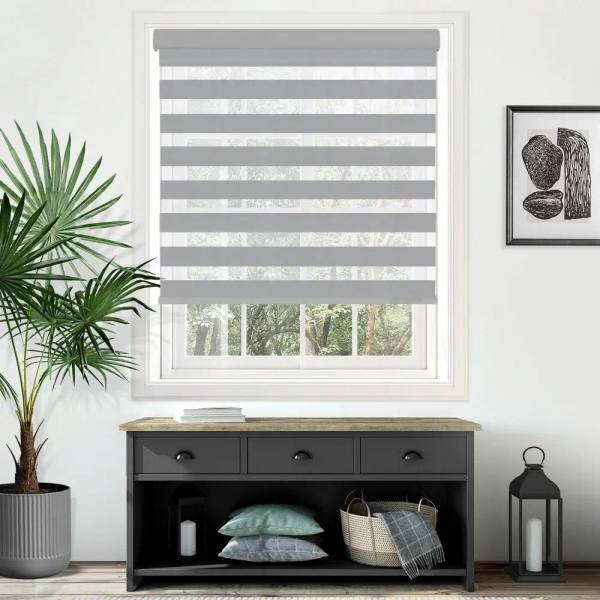
Any blind that can take a motor can usually be made smart, as long as the motor system has an app. Roller blinds are the most common choice, because the motor sits neatly inside the tube and the fabric runs straight up and down. Day and night blinds work in the same way, with the motor moving the bands into line or out of it.
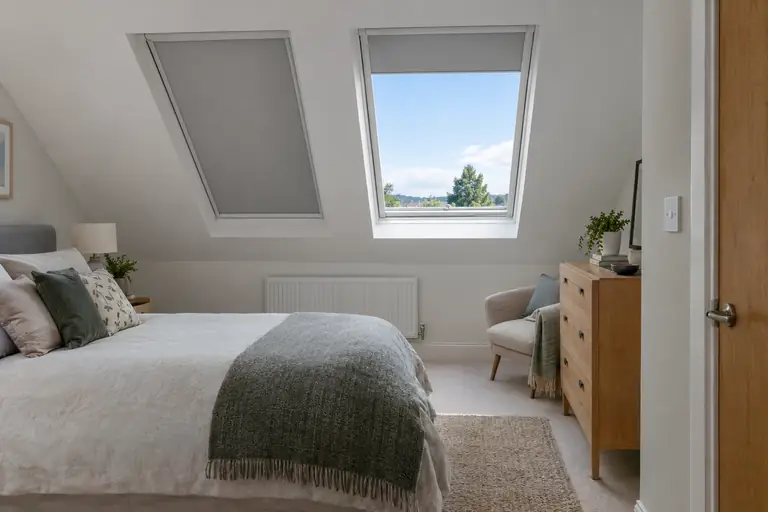
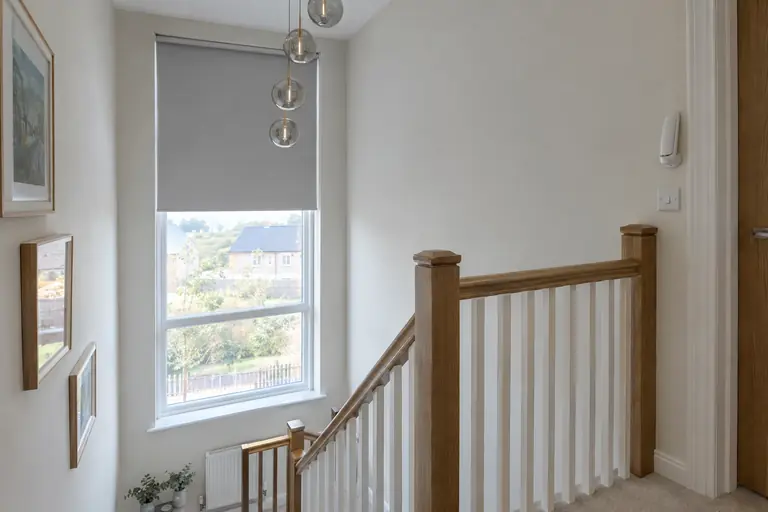
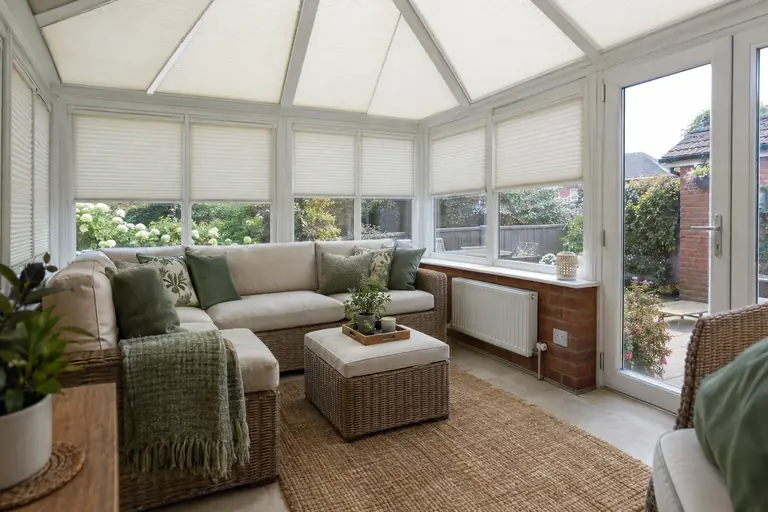
The strongest case is the windows you cannot comfortably reach: roof windows, conservatory roofs, tall stairwell glass and windows behind furniture or over a kitchen island. Our electric blinds range brings these together, and your advisor can tell you which of them can link to an app and a voice assistant.
Not every range, size or shape takes a motor. Very small or very large blinds, and some shaped windows, may need a different approach, so if smart control is the main reason you are buying, say so at the start of the appointment.
Battery or mains: does it change anything for smart blinds?
Both battery and mains motors can be smart. The choice is about where the blind is and how often it moves, not whether it can talk to Alexa or Google Home.
A battery motor needs no wiring at the window, which suits most homes, including rented ones and freshly decorated rooms. Routines that move a blind several times a day use more charge, so a busy blind will need its battery topping up more often than one that moves twice.
A mains motor never needs charging but needs a power supply at the window. It suits new builds and renovations where the walls are open anyway. We do not do electrical work, so a new supply is a job for a registered electrician.
One practical point: if your home network or hub is down, the blind should still work from its handset or wall switch. Ask how each motor behaves without the internet, so a bedroom blind is never stuck closed on a dark morning.
Are smart blinds safe for children?
A motorised blind has no cord or chain at the window, which is why the British Blind and Shutter Association counts motorised blinds among the designs it describes as safe by design. In a nursery or a child's bedroom, that is often the main reason for choosing one.
The thing to watch instead is the handset. Many small remotes run on coin or button batteries, and the Office for Product Safety and Standards warns that a swallowed battery lodged in the throat can react with saliva to form caustic soda. The Child Accident Prevention Trust advises keeping button batteries up high and out of reach.
Smart control helps here. With an app, a voice assistant or a wall switch, a child's room may not need a handset at all, and a routine can lower the blind at bedtime without anyone reaching for it.
What should you check before choosing smart blinds?
Start with the assistant you already use. If the house runs on Alexa, or on Google Home, make sure the motor works with that one, and check whether a hub is needed. If you might switch later, ask about Matter.
Next, think about routines rather than buttons. Write down which windows should open in the morning, which should close in the afternoon sun, and which belong together. That list is more useful at the appointment than any brochure, and it shows quickly which windows really need a motor.
Large windows and apartments benefit most. Many of the homes we visit when people look for blinds in Manchester have tall, wide glazing where a grouped, motorised roller saves a lot of reaching, but the same thinking applies to any home.
Finally, see it in your own rooms. If you are comparing custom blinds from different companies, a home appointment is the simplest way to decide: your advisor brings samples, measures every window, explains which motors and controls suit each one, and leaves a written price itemised per window, with nothing to pay on the day. Every blind is made in our Batley workshop and fitted by our own team, and the motor carries the same 1-year guarantee as the blind.
Checklist
- Note which assistant you use: Alexa, Google Home or both
- Ask whether each motor needs a hub or gateway
- Ask whether the motor supports Matter if you might change system
- List the windows that should open and close on a routine
- Decide battery or mains for each window
- Check how each blind works if the internet is down
Pros and cons
In its favour
- Open and close blinds by voice, from your phone or on a schedule
- Routines at set times, or at sunrise and sunset, work even when you are out
- Grouped blinds move together and finish level
- No cord or chain at the window
- Blinds on roof windows and tall glass actually get used
Worth knowing
- Costs more than the same blind with a chain
- Some motor systems need a hub on your home network
- Battery motors need charging, more often with busy routines
- Not every range, size or shape can take a motor, and smart features vary by motor
Room by room
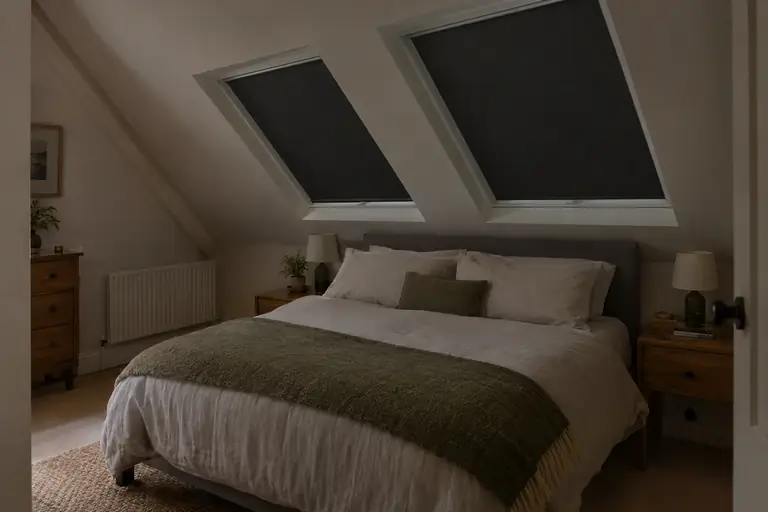
- BedroomA great fitA morning routine opens the blind on time, and a bedtime routine closes it without anyone reaching for a handset.
- Living room with a bay or several windowsA great fitGrouping lowers every blind together on one command, so they always finish at the same height.
- Conservatory or roof windowsA great fitOut-of-reach glass is where motors help most, and a routine can close the roof blinds on hot afternoons.
- Child's bedroomWorks wellNo cord or chain, and app or wall-switch control can mean no handset or button batteries in the room.
- KitchenWorks wellUseful over a sink or island you cannot easily lean across, and handy when your hands are full.
- Small bathroom windowThink twiceA window you can reach easily rarely needs a motor, and a mains supply near a bath needs an electrician's view.
Side by side
Handset or wall switch
- What it does
- Moves the blind or a group of blinds
- What you need
- A motorised blind
- Best for
- Simple control without an app
App on your phone
- What it does
- Control, timers and groups from anywhere at home
- What you need
- A motor with an app, sometimes a hub
- Best for
- Setting schedules and naming rooms
Alexa
- What it does
- Voice control and routines at set times, sunrise or sunset
- What you need
- The app linked to the Alexa app
- Best for
- Homes that already use Echo speakers
Google Home
- What it does
- Voice control, open and close, routines
- What you need
- The app linked to the Google Home app
- Best for
- Homes that already use Google speakers or displays
Matter
- What it does
- One standard across several smart-home systems
- What you need
- A motor that supports Matter
- Best for
- Mixed or changing smart-home set-ups